 SKY
Stretching: pulling faint light out of a black frame
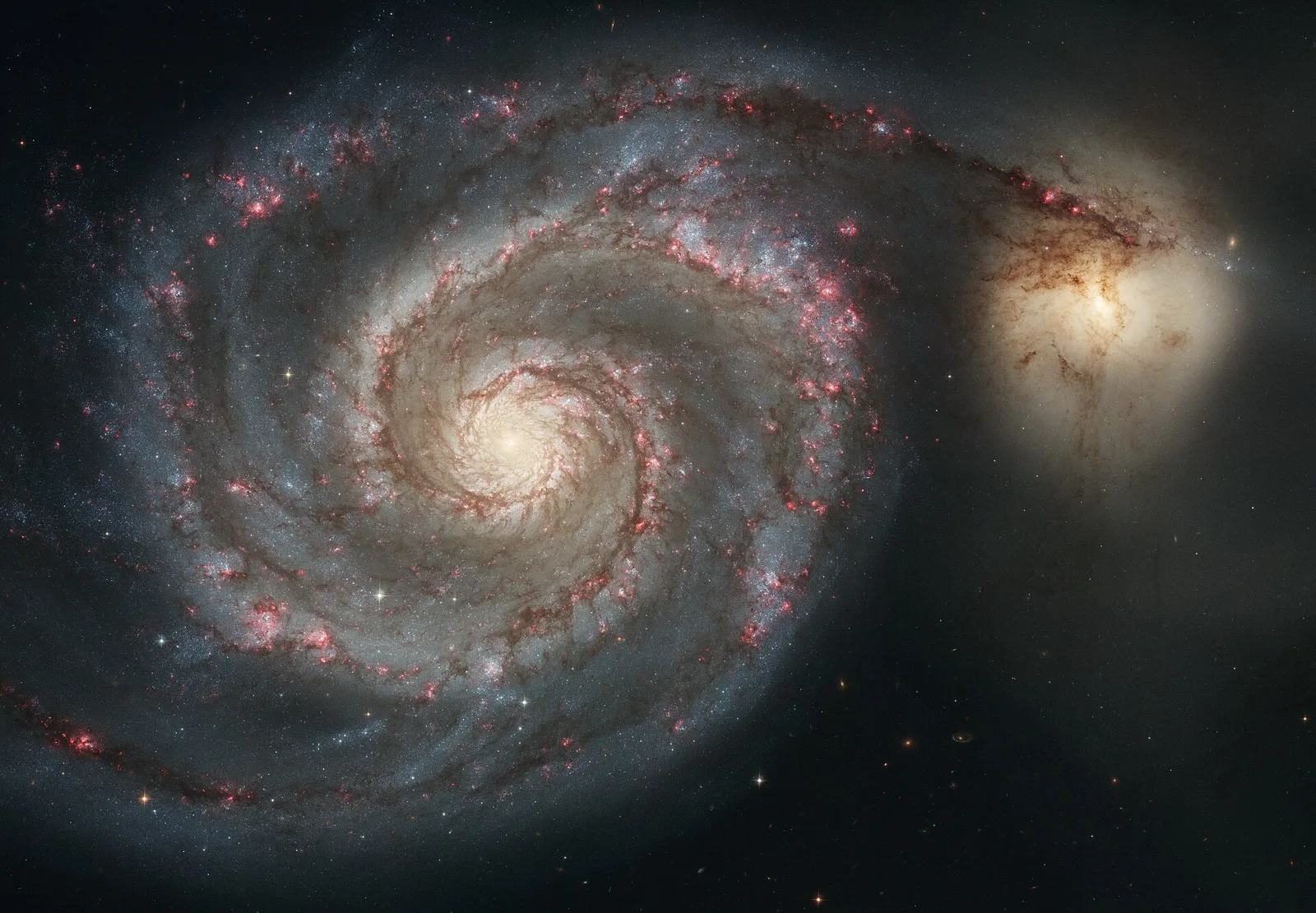
Open a raw image of a galaxy straight from an astronomy camera and you usually see a few stars and a small bright core on a black background. The faint spiral arms are in the data, but you cannot see them.
The reason is that the camera is linear: twice the light gives twice the number. A galaxy core can be hundreds or thousands of times brighter than its outer arms. On a screen that shows only a limited range of brightness, the arms end up crushed into the darkest few shades.
What a stretch does
A stretch is a curve applied to every pixel that lifts faint values much more than bright ones. Common choices are a power curve (gamma), a logarithm, or the inverse hyperbolic sine (asinh), which the Sloan Digital Sky Survey team described for making color images that keep both faint details and bright cores.
Too little, too much
Stretch too little and the faint arms stay hidden. Stretch too much and everything that was barely above black gets lifted too: the noise turns into a gray fog and the sky glow swallows the background. Good processing finds the point where the faint structure shows and the background stays dark. This is why stacking comes first: with less noise you can stretch further.
Try it
In the game's darkroom the stretch slider has a green zone where faint light shows without the noise taking over.
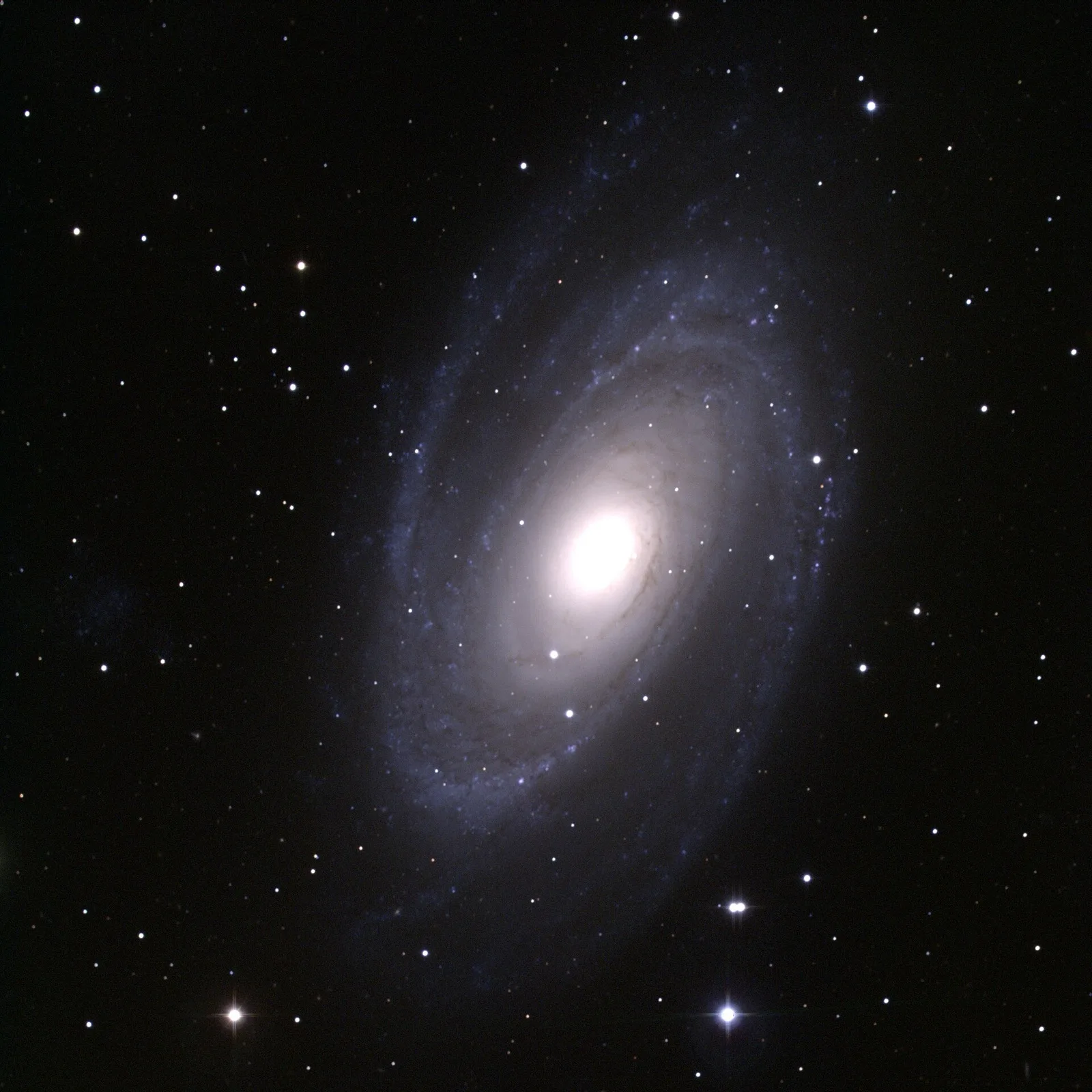 Bode's Galaxy
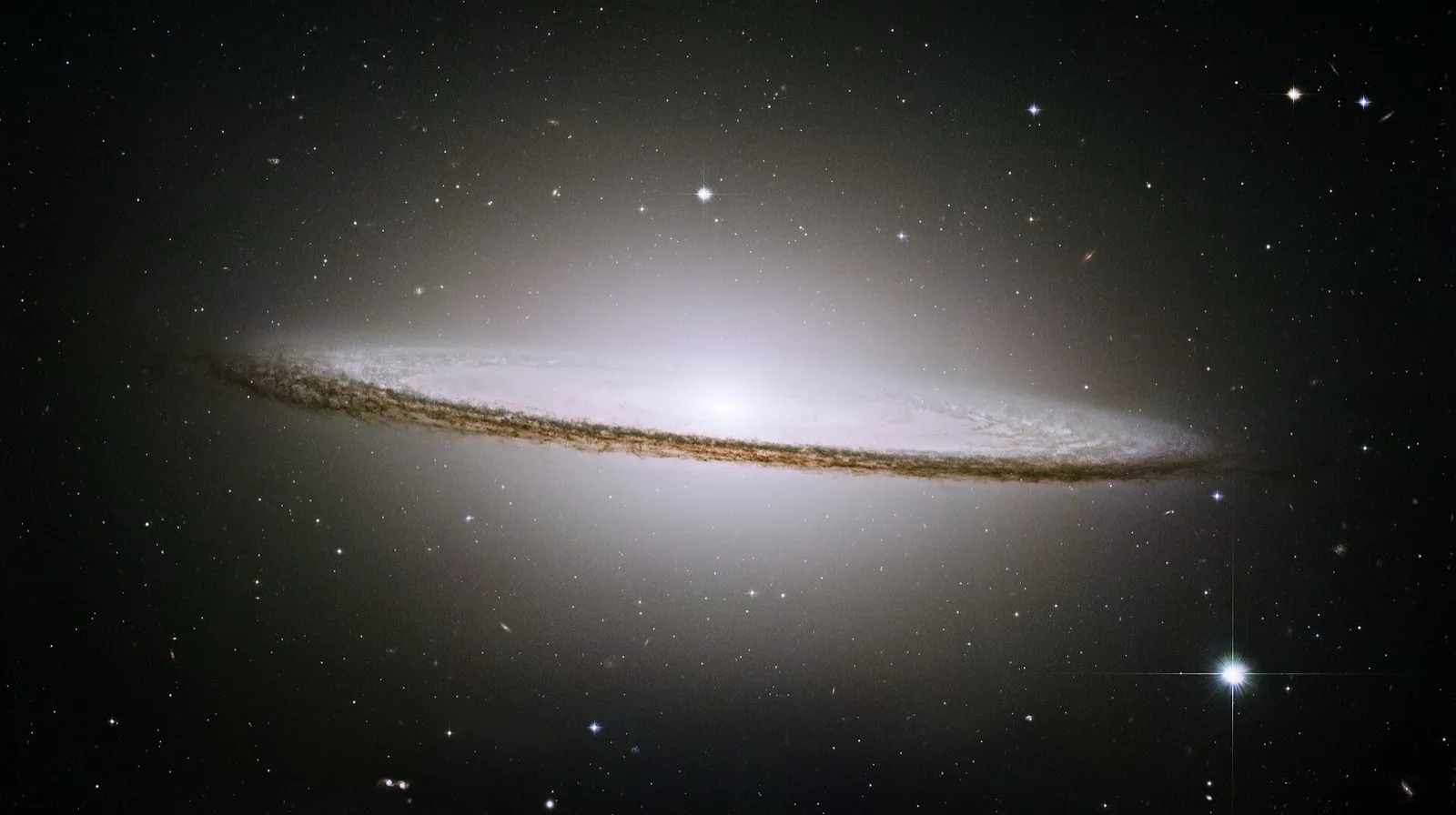 Sombrero Galaxy